Skip to content

Bag

Your bag is empty

Continue shopping

Thank you for your support

We appreciate you

We extend our sincere gratitude for your recent purchase and the trust you've shown in us. Your support fuels our commitment to quality and service. If you have any questions or need assistance, feel free to reach out. Thank you for choosing us, we look forward to serving you again.

Get 10% off your next purchase

Installation Guides

Case installation
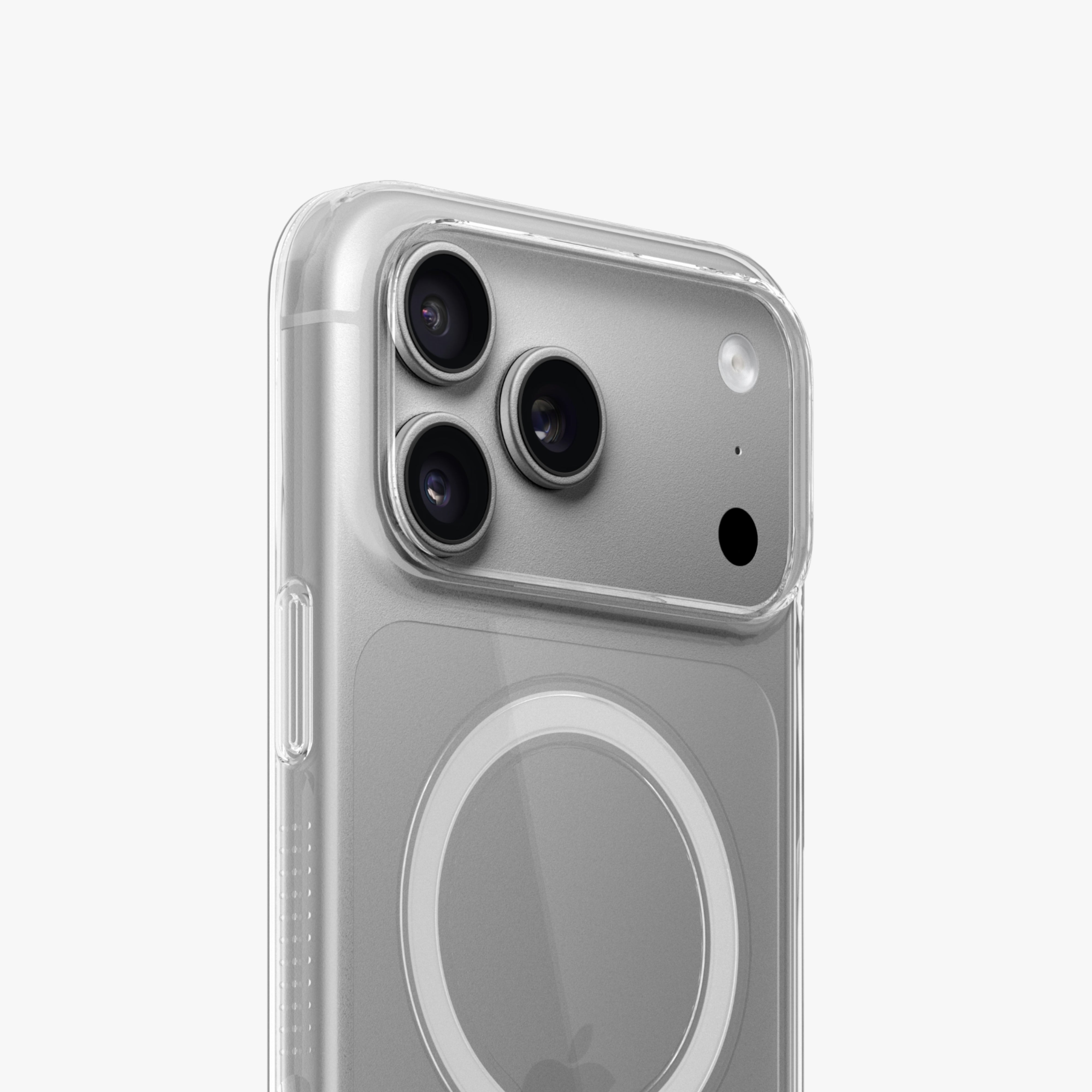
  1. Prepare Your Device: Ensure your device is clean. Start by placing the bottom of your phone into the case.
  2. Align and Snap: Align the buttons and openings on your device with the case. Snap or slide the case around your phone, ensuring a secure fit.
  3. Test Functionality: Check that buttons, ports, and the camera work properly.
  4. Final Check: Inspect the case for a snug fit with no gaps.
Screen Protector Installation
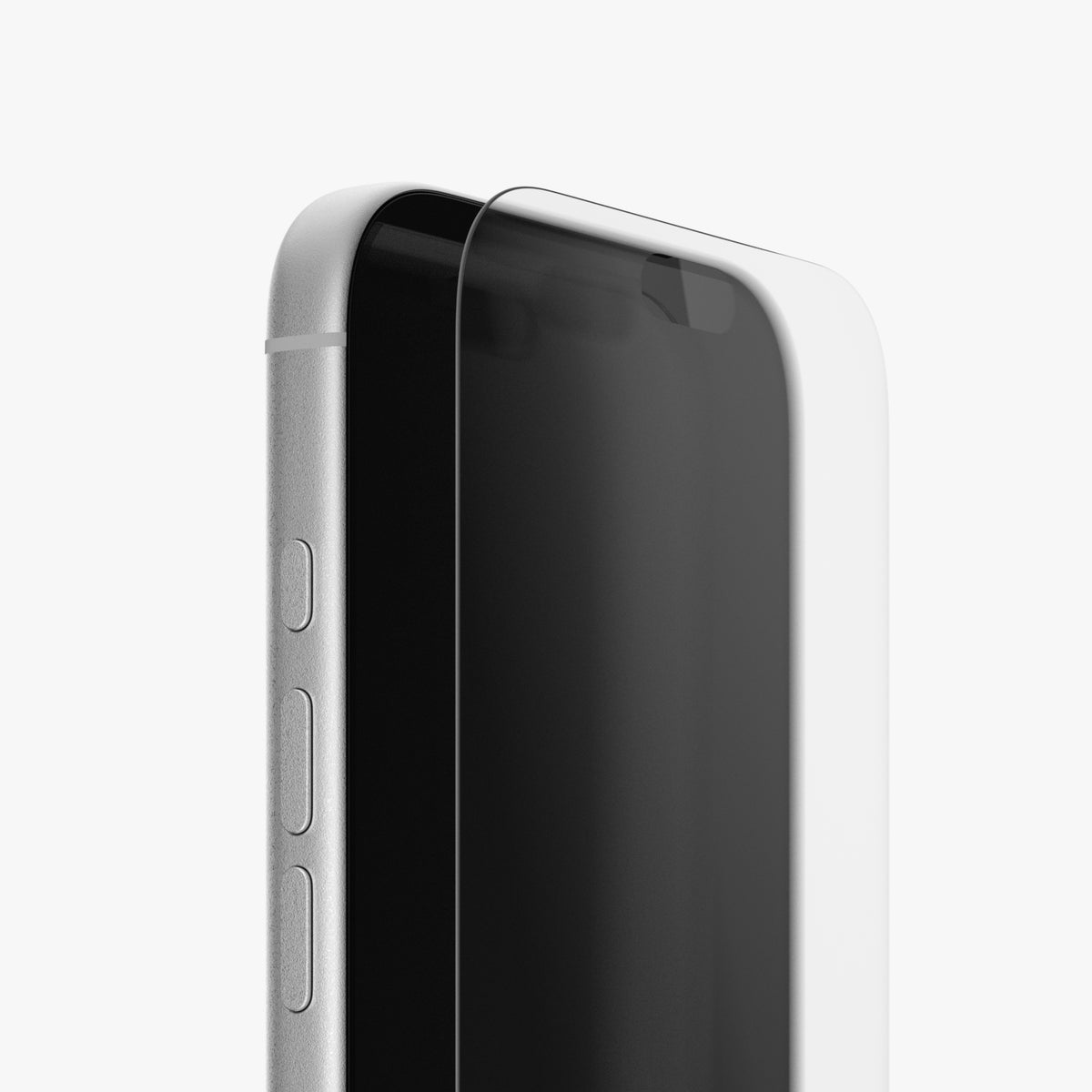
  1. Clean Use the provided wet wipe and microfiber cloth to thoroughly clean your display.
  2. Align Carefully place the applicator on top of the display, ensuring it is correctly aligned.
  3. Apply Press down on the applicator and pull the tab to release the screen protector.
  4. Remove Carefully lift and remove the applicator by peeling it away from the corners of the device.
MagSafe+ Magnet Installation
  1. Prepare Your Case: Begin by installing your case onto your device.
  2. Clean the Case: Wipe the back side of the case to remove smudges and dirt.
  3. Align and Apply: Remove the adhesive paper from the MagSafe+ Magnet. Then, align it centered to your device using the phone's built-in MagSafe Magnets.
  4. Secure Placement: Firmly press the MagSafe+ Magnet to ensure it's securely attached.